
Share Files With an Expiry Date Auto-Delete Links
When sharing important documents online, file sharing should be about more than simply sending a link. Whether you need to upload data files for a client, colleague, or business partner, setting an expiration date helps you decide how long those files remain available. With secure file sharing, you can control the access duration, configure expiration settings, and share a link that provides temporary access instead of leaving documents available indefinitely. This approach is particularly useful when handling sensitive information, such as reports, financial documents, or internal business records, that should not remain available longer than necessary.
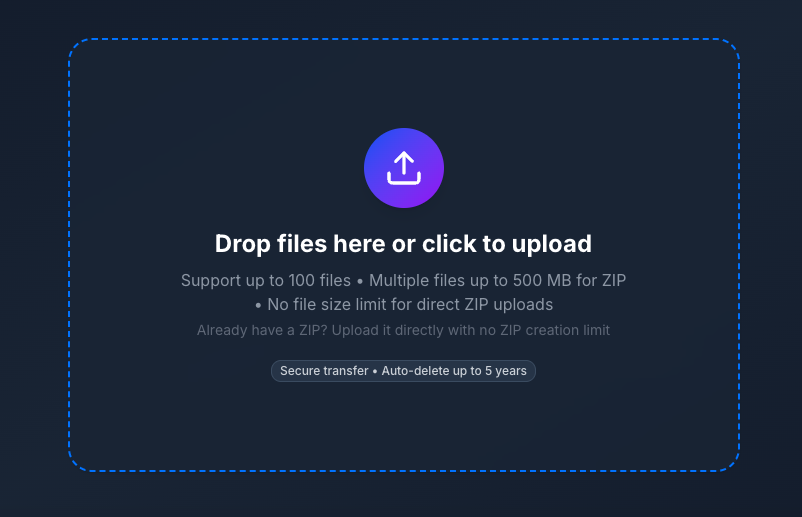
Managing File Access and Data Security
A reliable upload and link-sharing process should give you control over who can access your documents and when that access ends. Setting up access control before sharing a link reduces the risk of forgotten files remaining available online. Automatic link expiration makes this easier because access ends at the selected time without requiring you to remove the link manually. By combining data security with controlled access periods, you can share files conveniently while limiting unnecessary exposure.
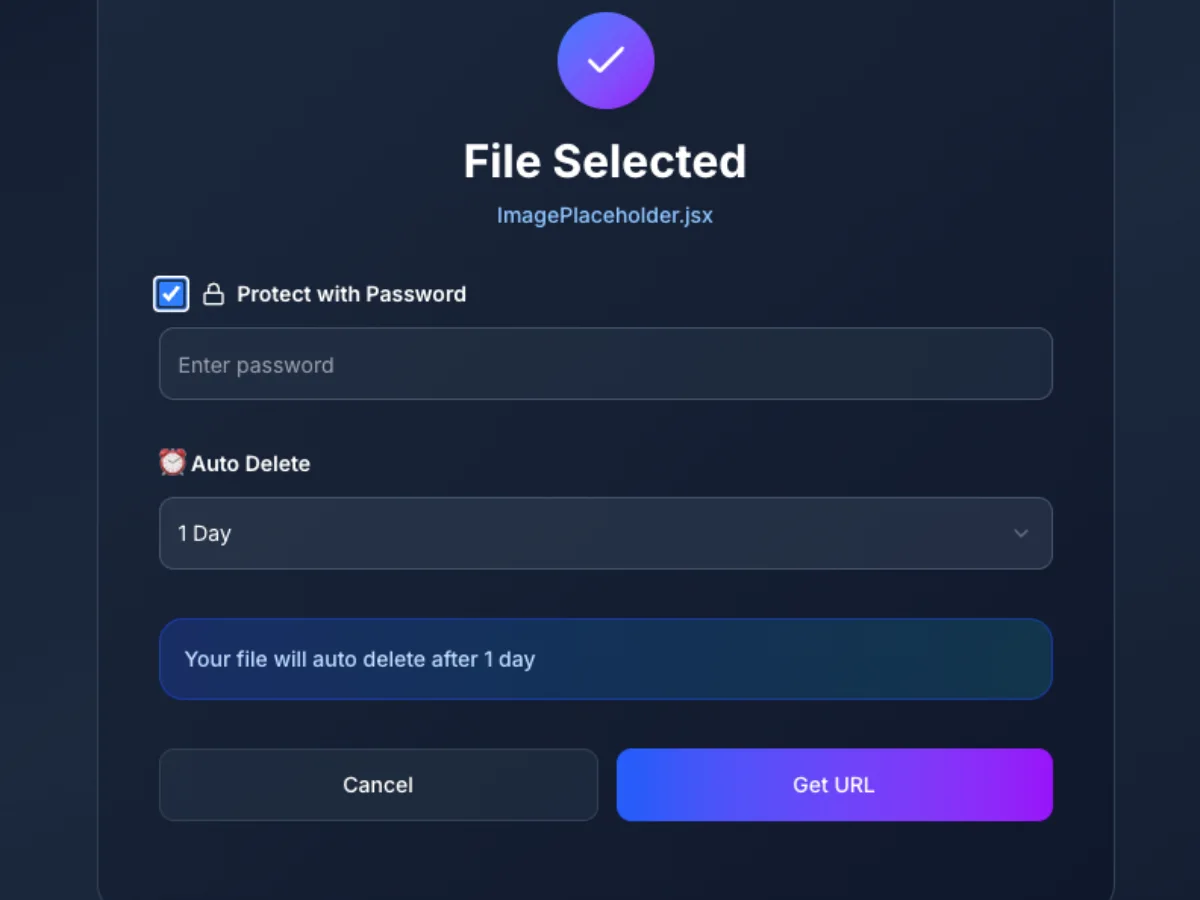
Securely Sharing Time-Sensitive Data Files
When handling time-sensitive data, choosing the right file sharing with expiration date approach helps ensure information stays accessible only for the required period. Whether you're sending raw exports, survey results, database dumps, or research data, a reliable platform such as FyleTransfer can simplify file delivery. With expiry settings, you can attach an expiration date to a transfer link and define a clear access window. Once the selected date passes, the link deactivates automatically. This is especially useful for files containing sensitive information, where privacy and data confidentiality matter. Password protection, restricted permissions further ensure that only authorized recipients can open your files.
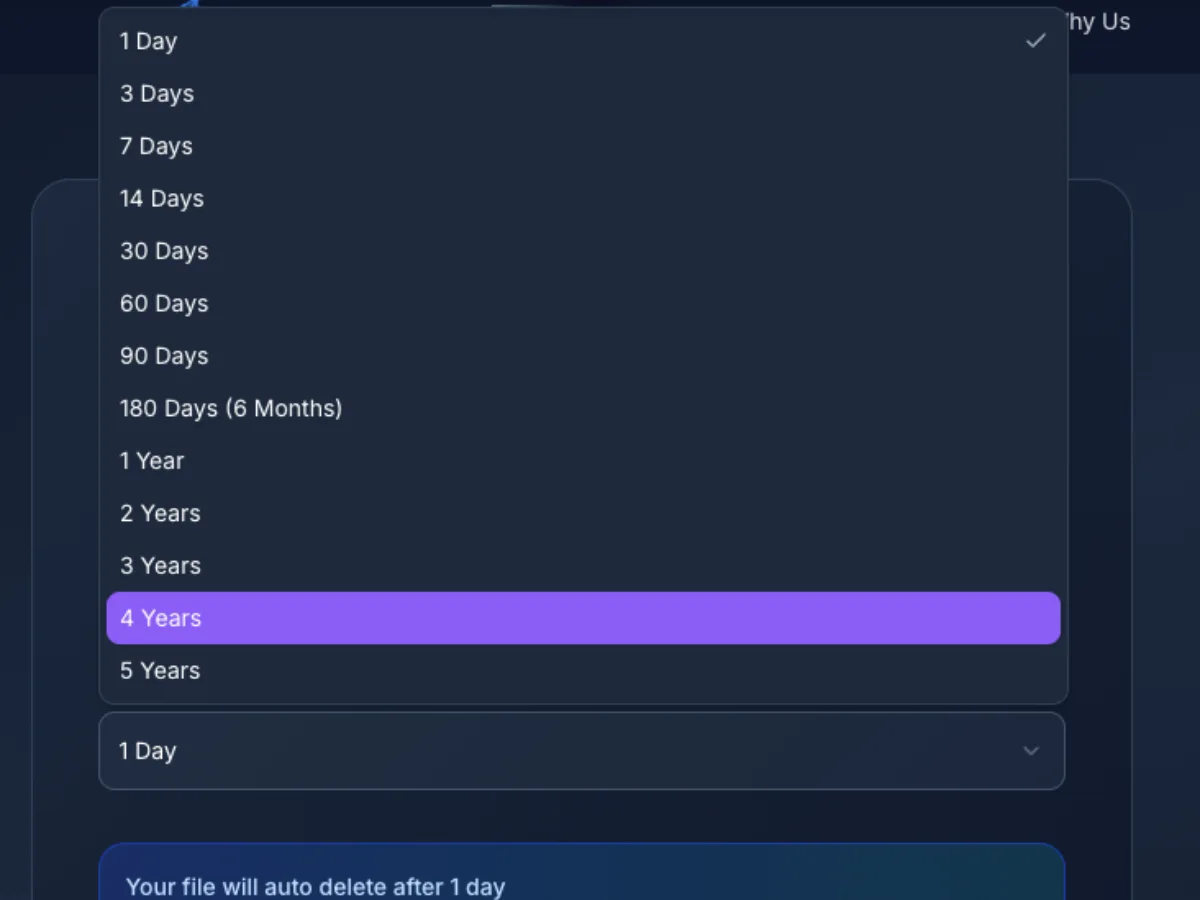
Controlling Access, and Preserving Data Integrity
A dependable file sharing workflow should balance convenience with information security. With secure data transfer, you can share a link while keeping full control over who opens it. Password-protected links can limit access.
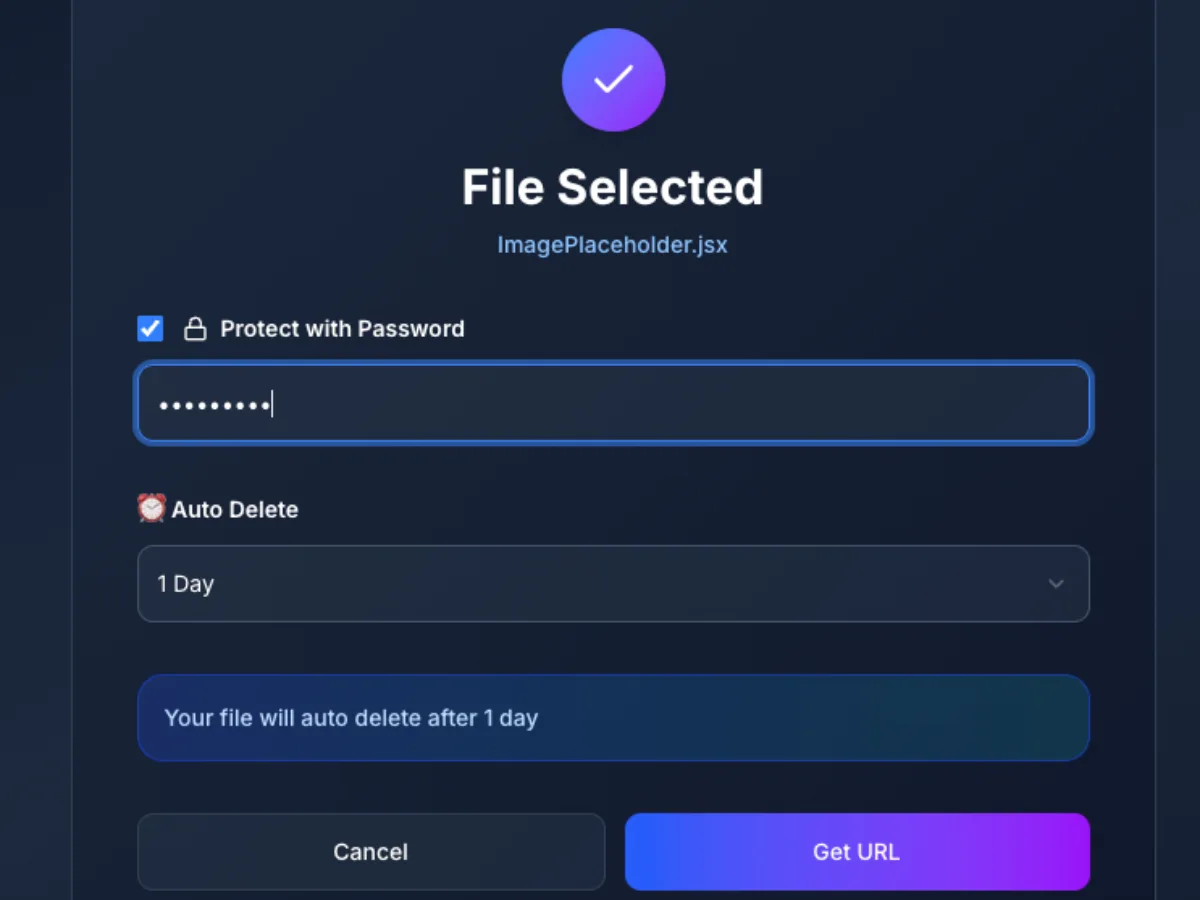
Everything You Need
Effective file transfer is not just about moving documents from one device to another; it is about making everyday work easier. With ultra-fast, high-speed transfers, teams can focus on their tasks instead of waiting for uploads to finish.
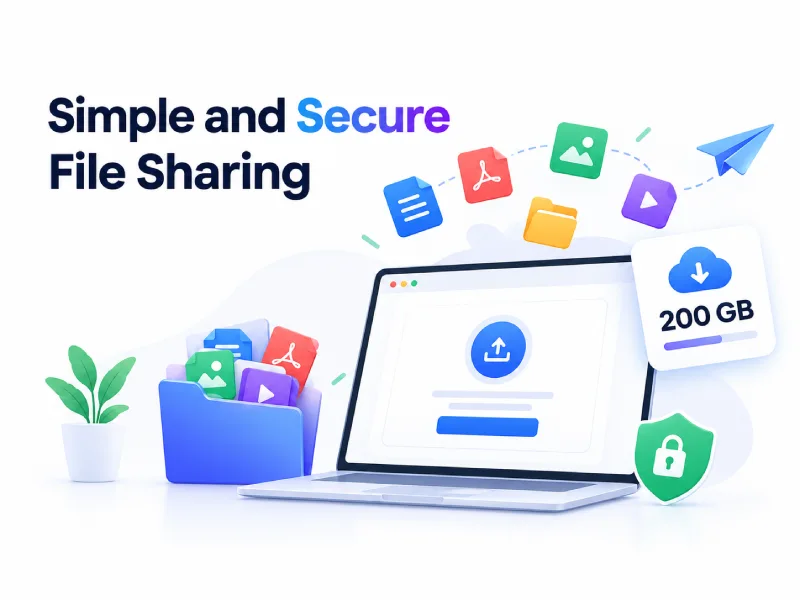
Simple and Secure File Sharing
Use a unique link to send files of up to 200 GB through free, large file transfer. A reliable transfer service makes link creation simple while supporting secure sharing, transfer management, and post-send control. With access control and online link sharing, you can share content conveniently while keeping greater control over your transfers.

Collaboration Tools for Teams of All Sizes
Team collaboration becomes easier when your tools support smooth workflows and clear communication without unnecessary interruptions. Sharing files with an expiration date promotes seamless collaboration, helping improve team productivity through a more organized process. With effective communication tools and stronger team alignment, colleagues can access shared files when needed while keeping file availability under control.
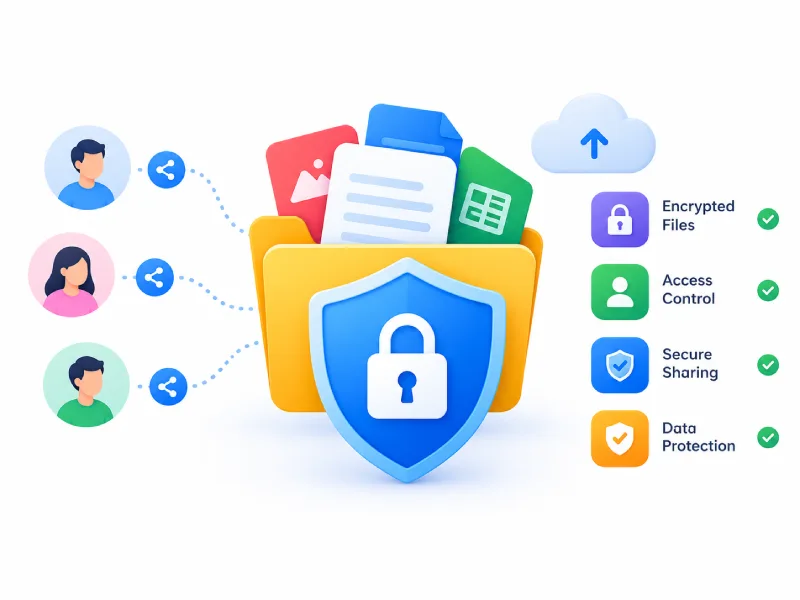
Protecting Shared Files with Built-In Security
When sharing sensitive files, password protection and file encryption add important layers of security, while built-in security features help safeguard information and limit unwanted access. Combining these protections with an expiration date helps keep shared files available only for the period they are needed.
Frequently Asked Questions
Find answers to common questions about sharing files with an expiration date
Didn't find what you're looking for?
Our support team is here to help. Reach out anytime for assistance.
Contact Support