
How Can You Share PDF Files Quickly Without Email Attachments?
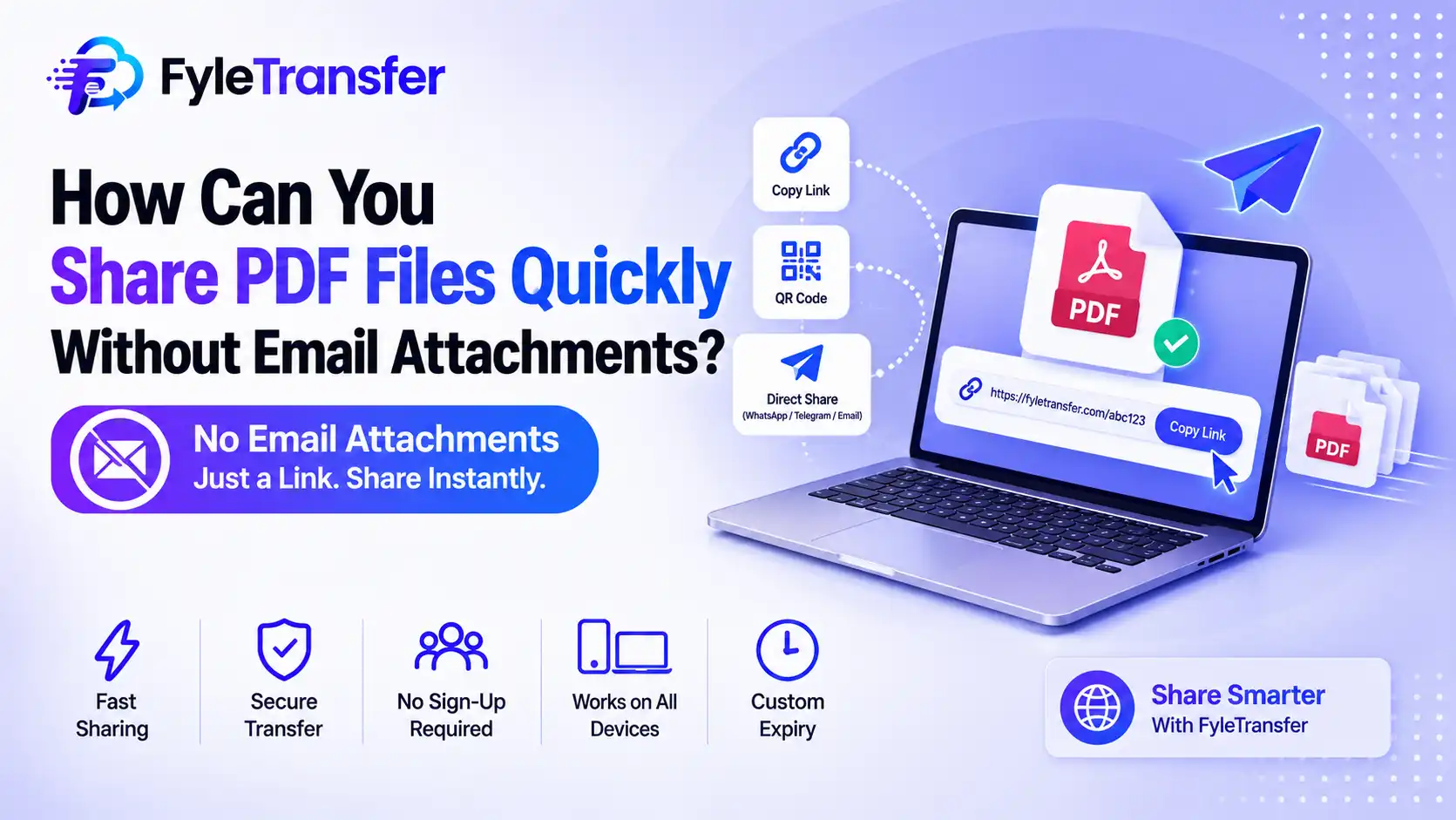
Ever waited minutes for a PDF to upload, only to see a size error? Did your client say the email never arrived? Do you worry about who opens your private documents? You need a faster way to Share PDF Files. This guide shows you how to Share PDF Files without email attachments. You will learn simple steps, smart safety habits, and useful tips. Everything here is clear, short, and easy to follow. Read on and turn a daily headache into a quick, painless task. Email works for small notes. It struggles with heavy documents. Big PDFs hit size limits. Uploads crawl. Messages land in spam. Here is what usually goes wrong when you share your PDF Files by email: Size limits block large PDFs. Slow uploads and downloads waste time. Anyone with the forwarded email can open the file. Your inbox fills up with old attachments. A link-based method avoids all four problems. You upload once and send a link. That is the fastest way to share PDF Files today. Use an online file transfer tool. Fyle Transfer is one option. It has no sign-up step. You upload your PDF, add a password if needed, and copy the link. It takes only seconds to share PDF this way. The platform lets you upload up to 100 files at once. Transfers are fast, and it works on phone and desktop. The process is short. Follow these steps: Drop your files. Drag them in or click to upload. Add protection. Set a password and pick an expiry date. Copy the link. You can also scan the QR code. Let them download. Your recipient opens the link and saves the PDF. No account is needed. Anyone can Share PDF Files in a few clicks. The table below shows the gap clearly: Link sharing helps you Share PDF Files with less risk and less clutter. Here are the tools that help you share PDF Files safely: Each feature gives you more control over who sees your work. Some PDFs are huge. Some projects hold dozens of files. The platform handles both cases: Upload a ready ZIP directly. There is no ZIP creation limit. Send several files together, up to 500 MB. They are zipped automatically. Direct ZIP uploads have no file size limit. This makes it easy to share PDF Files in bulk. You never need to split a project into many emails. Not every PDF is public. Protect these first: Contracts Invoices and reports Client project files HR letters and forms Only people with the password can open them. Send the password apart from the link. That small habit makes it safer to Share Files with clients. Many roles need this every day. Designers send project files to clients. HR teams share letters and forms. Freelancers deliver finished work with a protected link. Anyone who needs to share PDF Files at work can use the same steps. Tools help, but habits matter too. Keep these in mind: Check the recipient before you send. Add a password to private PDFs. Choose a short expiry date for sensitive files. Name your files clearly. Delete old links you no longer need. Use a trusted platform, not unknown sites. These habits make it safer to share PDF Files every day. Email attachments slow you down. Links are faster and safer. Upload, protect, and send in a few clicks. Now you know how to share PDF Files without the usual stress. Try it on your next document. Ready to start? Visit Fyle Transfer, upload your first PDF, add a password, and share a PDF in seconds. Want to master safe file sharing? Subscribe to our YouTube channel and catch our daily security tips on Instagram and Twitter. Also Read: How to Transfer Files Between Devices. Upload them to a file transfer service. Copy the link and send it by chat or email. Your recipient downloads the PDF directly. Use a tool with no sign-up. Drop your files, add a password, and share the link. It can be. Choose a trusted platform. Add a password and an expiry date to control access. Yes. The tool works on phones and desktops. You can also scan a QR code to open the link on mobile. Upload them to a transfer platform. Share the link instead of attaching the file. Direct ZIP uploads have no size limit on FyleTransfer.Why Do Email Attachments Fail When You Share PDF Files?
What Is the Quickest Way to Share PDF Files Online?
How Do You Share PDF Files in Four Easy Steps?
How Does Link Sharing Compare With Email?
Which Features Make Sharing PDFs Safer and Easier?
What About Large PDFs and ZIP Folders?
Which Documents Should You Protect With a Password?
Who Can Benefit From Quick PDF Sharing?
What Are the Best Habits When You Share PDF Files?
Conclusion
FAQs
How can I Share PDF Files without email?
What is the easiest way to share PDF files online?
Is online file sharing safe?
Can I Share PDF Files from my phone?
How can I send large files that are too big for email?